I'm a participant in the Amazon Services LLC Associates Program, an affiliate advertising program designed to provide a means for me to earn fees by linking to Amazon.com and affiliated sites.
It’s a familiar story: your brisket’s half done, the app freezes, and your wireless thermometer suddenly claims the meat’s 212°F—or worse, “No Connection.” Whether you’re using a MEATER, ThermoPro, or Chef iQ, you’re not alone. Knowing troubleshooting wireless meat thermometers tips is essential. Search any BBQ forum and you’ll see the same frustrations: inaccurate readings, burnt probes, dead batteries, and connection dropouts.
Quick Takeaway:
Most of these problems aren’t fatal — they’re fixable. Inaccurate readings usually come down to probe placement or buildup, burnt probes result from exposure to direct flame, and connection issues almost always trace back to interference or poor signal placement.
Why this matters: Reliable readings are the backbone of perfect BBQ. Once you understand how to troubleshoot your thermometer, you’ll not only save your current gear but also know when it’s time to upgrade.
Product | Connectivity | Sensors | Max Heat | Smart Features | Ease of Use | Best For | Price | |
|---|---|---|---|---|---|---|---|---|
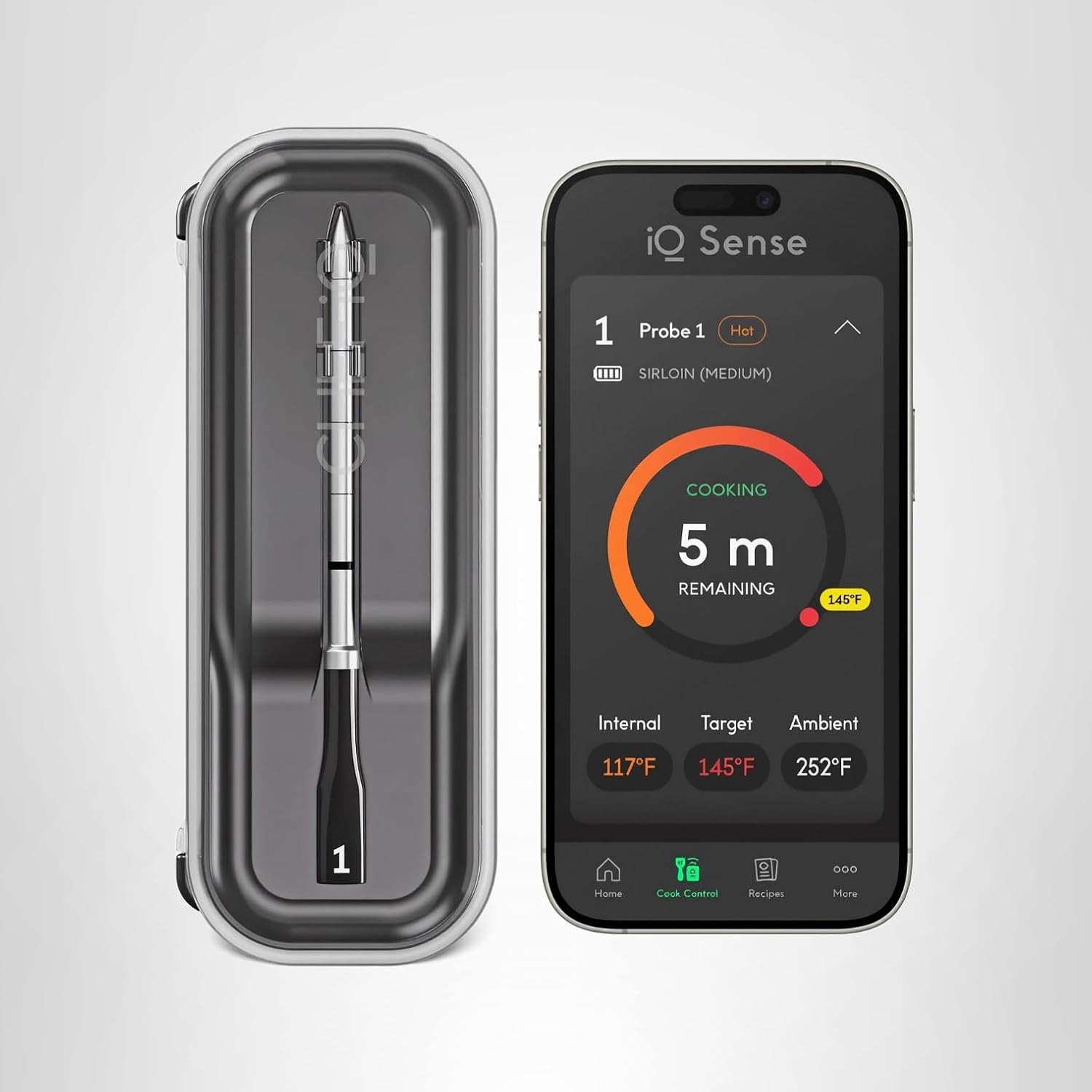 | Wi-Fi 6 + Bluetooth 5.2 | 5 sensors | 752°F ✓ | AI timers, recipes, voice alerts ✓ | Moderate setup | Power users & BBQ enthusiasts |  | |
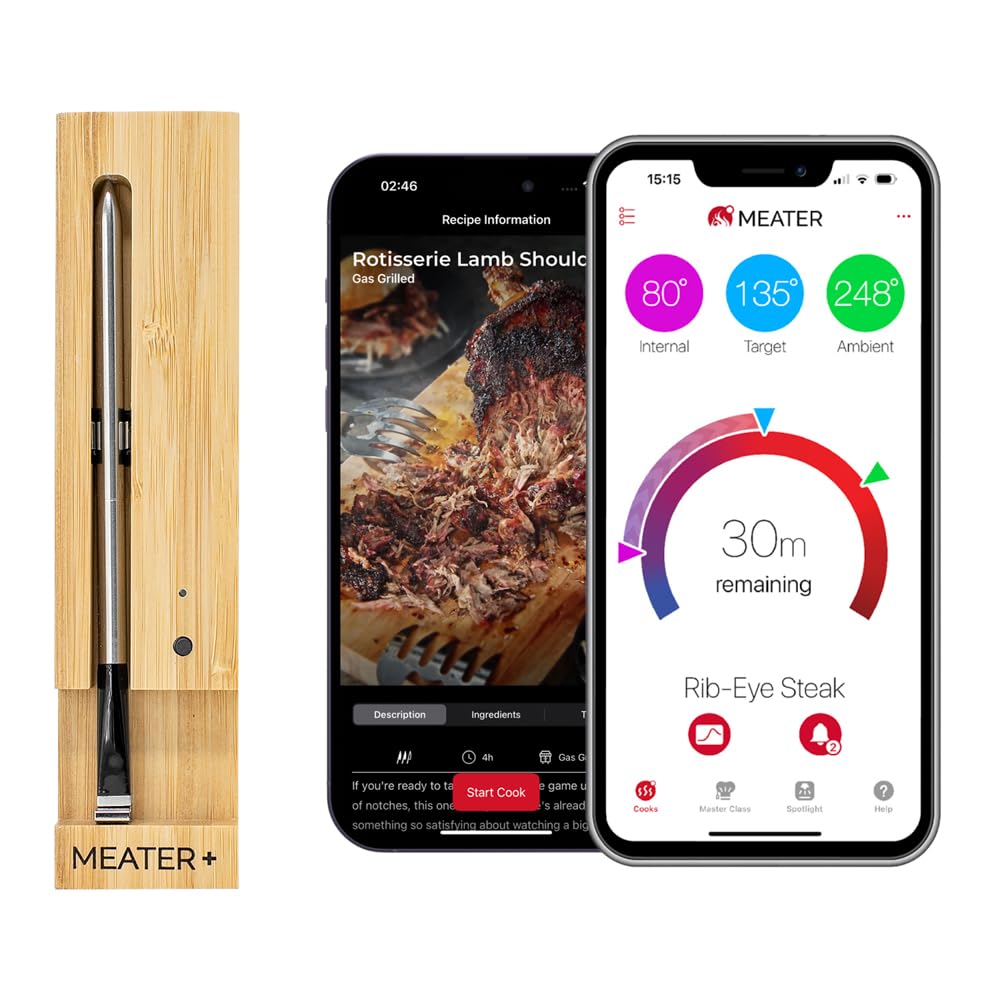 | Bluetooth 5.0 | 2 sensors | 527°F | Predictive cook/rest timers | Easiest ✓ | Everyday grillers | | |
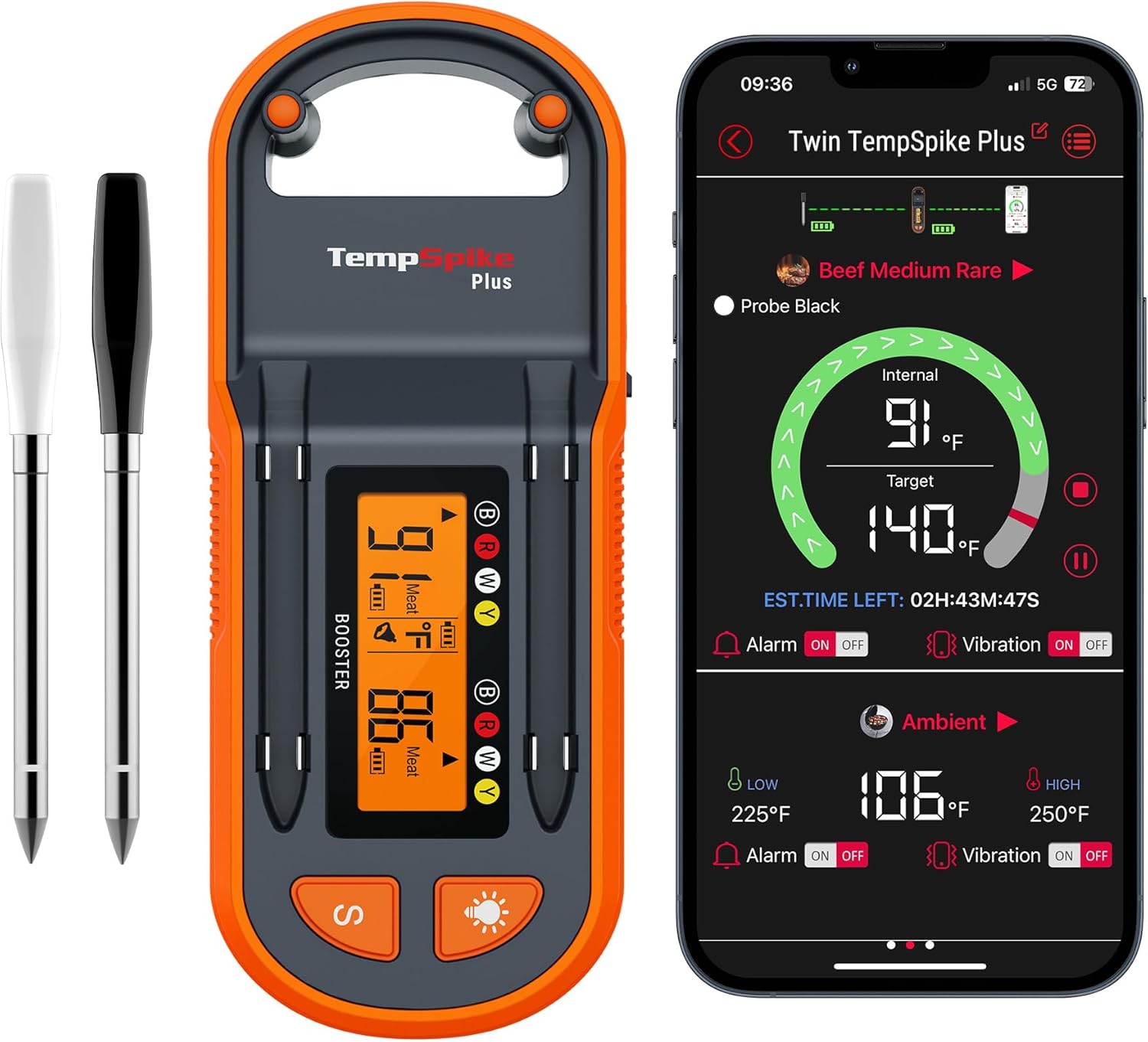 | Bluetooth 5.2 + booster | 2 sensors | 572°F | Graphs + alerts | Very easy ✓ | Budget users | | |
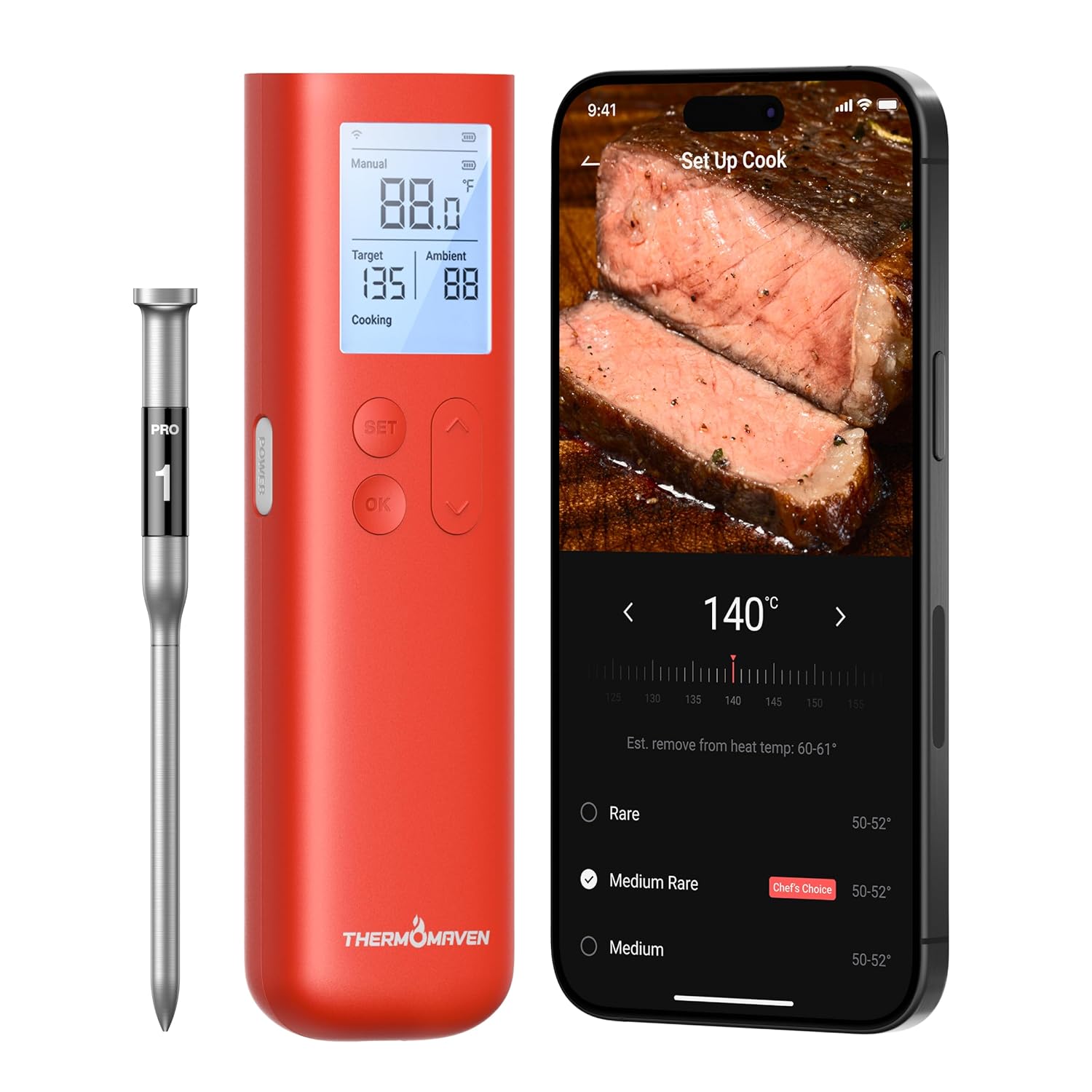 | Wi-Fi + Bluetooth | Multi-probe support | >700°F ✓ | Cloud data, smart home integration ✓ | Advanced | Pitmasters & pros | | |
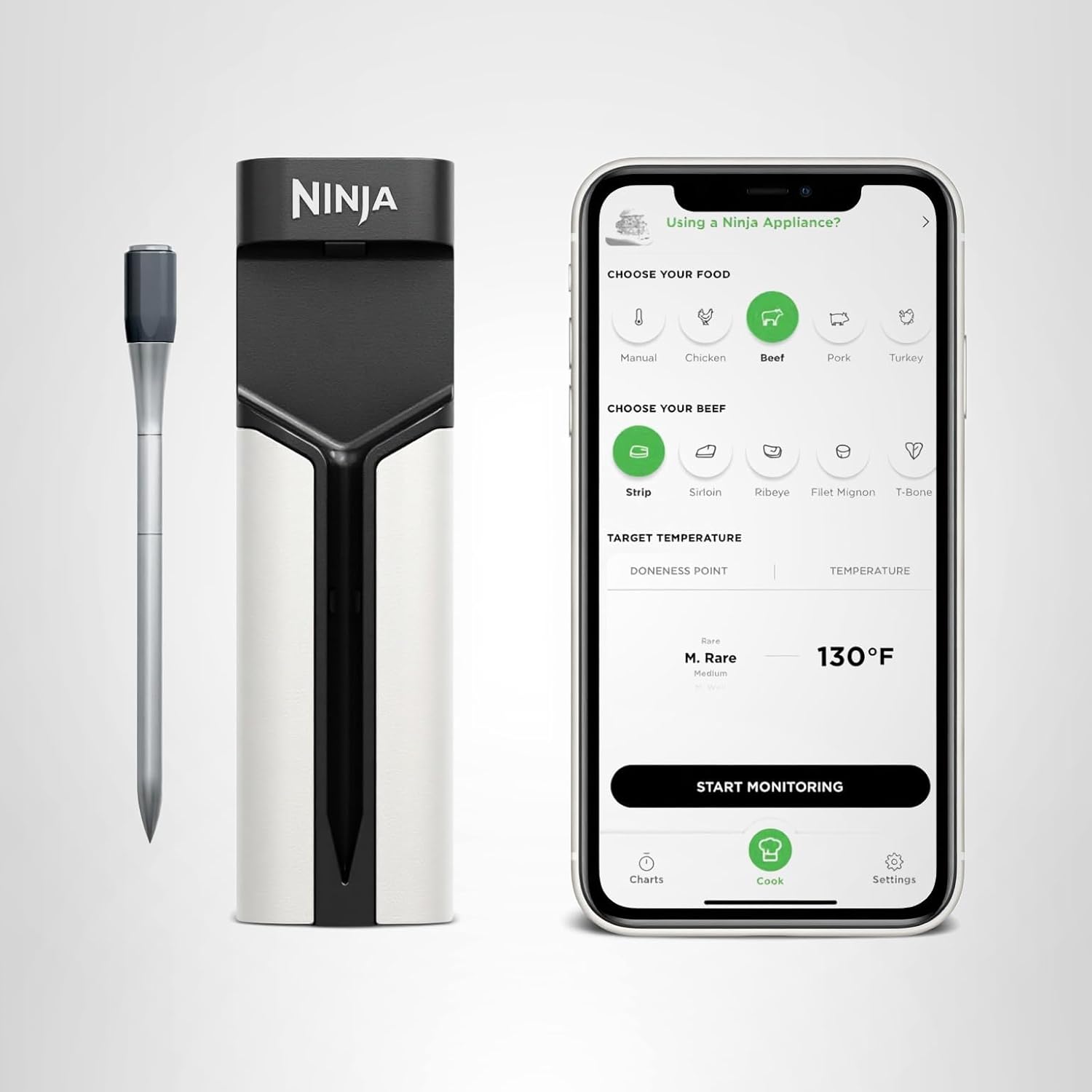 | Bluetooth + app | Dual sensors | 700°F | Auto sync with Ninja cookers ✓ | Simple ✓ | Kitchen users & families | |
1. Inaccurate or Fluctuating Readings
Your thermometer jumps from 140°F to 195°F in seconds, then back again? You’re likely dealing with one of three causes: placement, buildup, or damage.
✅ Fixes
- Clean the probe tip after every cook. Grease and carbonized debris can insulate the sensor, leading to 10–20°F false highs. Use fine steel wool or rubbing alcohol.
- Avoid bone contact. The bone conducts heat faster than the meat, tricking your sensor into thinking your food’s done.
- Push the probe deeper. The sensitive reading area is usually ⅓ to halfway up the shaft. Too shallow = wrong temp.
- Check calibration. Boil water (212°F) and insert the probe without touching the pot sides. Most readings should fall within ±1.8°F.
🧠 Pro Insight
The Chef iQ Sense Gen 3 uses five sensors across the probe, automatically averaging out temperature gradients for more accurate results. If your current model uses a single sensor, even slight misplacement can skew readings.
2. Burnt or Melted Probes
This one’s heartbreaking: your expensive wireless probe comes out looking like a toasted marshmallow. Unfortunately, once the internal thermistor is fried, accuracy’s gone for good—but here’s how to stop it from happening again.
✅ Fixes
- Stay under the rated temperature. Most probes max out around 700°F ambient and 550°F internal.
- Avoid direct flame. Place probes away from vent openings and hot coals.
- Never let the probe cable or hub sit on metal grates. The conduction heat will melt the sheath.
- Wrap with foil shields. For long cooks or high heat sears, cover exposed probe stems in foil to reflect radiant heat.
🧠 Pro Insight
The ThermoPro TempSpike Plus and FireBoard Pulse both feature high-heat insulation capable of tolerating over 750°F ambient temps. If you’re cooking over live flame regularly, upgrading to a heat-rated model might save you in the long run.
3. Dead or Draining Batteries
If your thermometer dies halfway through a 10-hour brisket smoke, the problem usually lies in battery care or charging habits.
✅ Fixes
- Fully charge before every long cook. Lithium-ion batteries don’t like half charges during extended use.
- Use USB-C fast chargers only if specified. Older micro-USB models (like early ThermoPros) degrade faster if overcharged.
- Store probes charged but unplugged. Avoid leaving them on the base dock indefinitely—it shortens lifespan.
- Check firmware updates. Many app patches improve power management and prevent false “low battery” alerts.
🧠 Pro Insight
The Chef iQ Sense Gen 3 delivers up to 25+ hours of runtime with auto-sleep mode when not in use. If your device barely makes it through one cook, it’s a sign the battery cells are reaching end-of-life.
Product | Connectivity | Sensors | Max Heat | Smart Features | Ease of Use | Best For | Price | |
|---|---|---|---|---|---|---|---|---|
| Wi-Fi 6 + Bluetooth 5.2 | 5 sensors | 752°F ✓ | AI timers, recipes, voice alerts ✓ | Moderate setup | Power users & BBQ enthusiasts | | |
| Bluetooth 5.0 | 2 sensors | 527°F | Predictive cook/rest timers | Easiest ✓ | Everyday grillers | | |
| Bluetooth 5.2 + booster | 2 sensors | 572°F | Graphs + alerts | Very easy ✓ | Budget users | | |
| Wi-Fi + Bluetooth | Multi-probe support | >700°F ✓ | Cloud data, smart home integration ✓ | Advanced | Pitmasters & pros | | |
| Bluetooth + app | Dual sensors | 700°F | Auto sync with Ninja cookers ✓ | Simple ✓ | Kitchen users & families | |
4. Connection Dropouts (Bluetooth or Wi-Fi)
The most common complaint in forums: “My MEATER keeps disconnecting.” Wireless dropouts are caused by interference, range limits, or signal-blocking surfaces.
✅ Fixes
- Keep your repeater base or hub outside the smoker. Metal lids act like a Faraday cage.
- Position the hub higher. Even six inches of elevation can extend range.
- Avoid direct placement on metal or damp surfaces. These absorb signal strength.
- Restart your app and clear Bluetooth cache. Cached connections often prevent stable reconnection.
- For Wi-Fi thermometers: ensure you’re on the 2.4GHz band, not 5GHz—it travels farther through walls.
Real-World Range Tip:
In testing, the ThermoPro TempSpike stayed connected 480 ft line-of-sight, but dropped to 120 ft when the smoker lid was shut. Moving the repeater base off the metal shelf doubled that distance instantly.
5. When to Upgrade (and When Not To)
Sometimes the best fix is letting go. If your probe consistently misreads or disconnects, the internal sensors might be fried. Here’s how to know if it’s time.
✅ Time to Upgrade If…
- Your probe’s sheath shows bubbling or cracks.
- You get 20°F+ inaccuracies after multiple calibration checks.
- The app loses connection even at short range.
- Battery life drops below 50% of original.
🧠 Recommended Next Steps
- For unlimited range and precision: Chef iQ Sense Gen 3
- For true wire-free simplicity: MEATER Plus
- For best Bluetooth value: ThermoPro TempSpike
If you’re using a 3–4 year old model, the latest versions often fix the very problems you’re fighting—stronger signal chips, higher-heat probes, and smarter battery systems.
FAQs – Troubleshooting Wireless Meat Thermometers
Why is my wireless thermometer reading wrong?
Usually due to probe misplacement, grease buildup, or contact with bone or fat. Clean and reinsert into the thickest meat section.
Can you fix a burnt probe?
No—once the thermistor is damaged, it can’t be recalibrated. Replace it.
Why does my thermometer disconnect when I close the smoker lid?
Metal blocks signals. Move the hub or repeater base outside and keep it line-of-sight with your phone or router.
How long do wireless probes last?
Typically 200–300 uses. Proper cleaning and storage can extend lifespan by 30–40%.
What’s the best way to store probes?
Wipe clean, dry thoroughly, and store in a cool, dry place—never wrap tightly in cords or foil.
Other Interesting Articles
- Best Wireless Meat Thermometer: Top Picks for Every Cook and Budget
- Chef iQ Sense Gen 2 vs Gen 3: What’s Actually New (and Worth Upgrading For)?
- Chef iQ Sense vs ThermoPro TempSpike: Which Smart Thermometer Gets It Right Every Time?
- Chef iQ Sense vs MEATER Pro: Which Smart Thermometer Cooks Perfect Meals?
- Chef iQ Sense vs MEATER Plus: Which Smart Meat Thermometer Truly Delivers?
About the Author
Written by HappyFoodGeek — your trusted kitchen tech guide for real-world cooking tools. Every review and troubleshooting tip comes from firsthand testing—because no one should lose a brisket to bad readings.
Final Thought:
Wireless thermometers fail for simple reasons—dirty probes, bad placement, or dead batteries. But once you learn to troubleshoot them, you’ll regain control over every cook. And when it’s time to upgrade, the new generation of smart thermometers like Chef iQ Sense and ThermoPro TempSpike fix nearly all the old problems—so you can stop troubleshooting and start perfecting.