I'm a participant in the Amazon Services LLC Associates Program, an affiliate advertising program designed to provide a means for me to earn fees by linking to Amazon.com and affiliated sites.
You’ve got the smoker fired up, meat seasoned, and your new wireless thermometer in hand. But now comes the big question—where do you even put it? Do you close the lid? Should it touch the bone? Can it stay in all day?
If you’re worried about ruining your brisket, ribs, or pulled pork, you’re not alone. “How to use a wireless meat thermometer in a smoker” is one of the most searched grilling questions in 2025—and most guides barely scratch the surface.
Quick Takeaway:
To get perfect results, place the probe in the thickest part of the meat (not touching bone), set an ambient probe for smoker temperature, and always close the lid. Then, let your wireless thermometer do its job. With the right setup, you’ll never have to open the lid again—and you’ll nail your cook every single time.
Why this matters: Smoking meat is about precision and patience. A reliable thermometer setup lets you focus on flavor instead of fighting the lid every hour. Let’s break it down step by step.
Product | Connectivity | Sensors | Max Heat | Smart Features | Ease of Use | Best For | Price | |
|---|---|---|---|---|---|---|---|---|
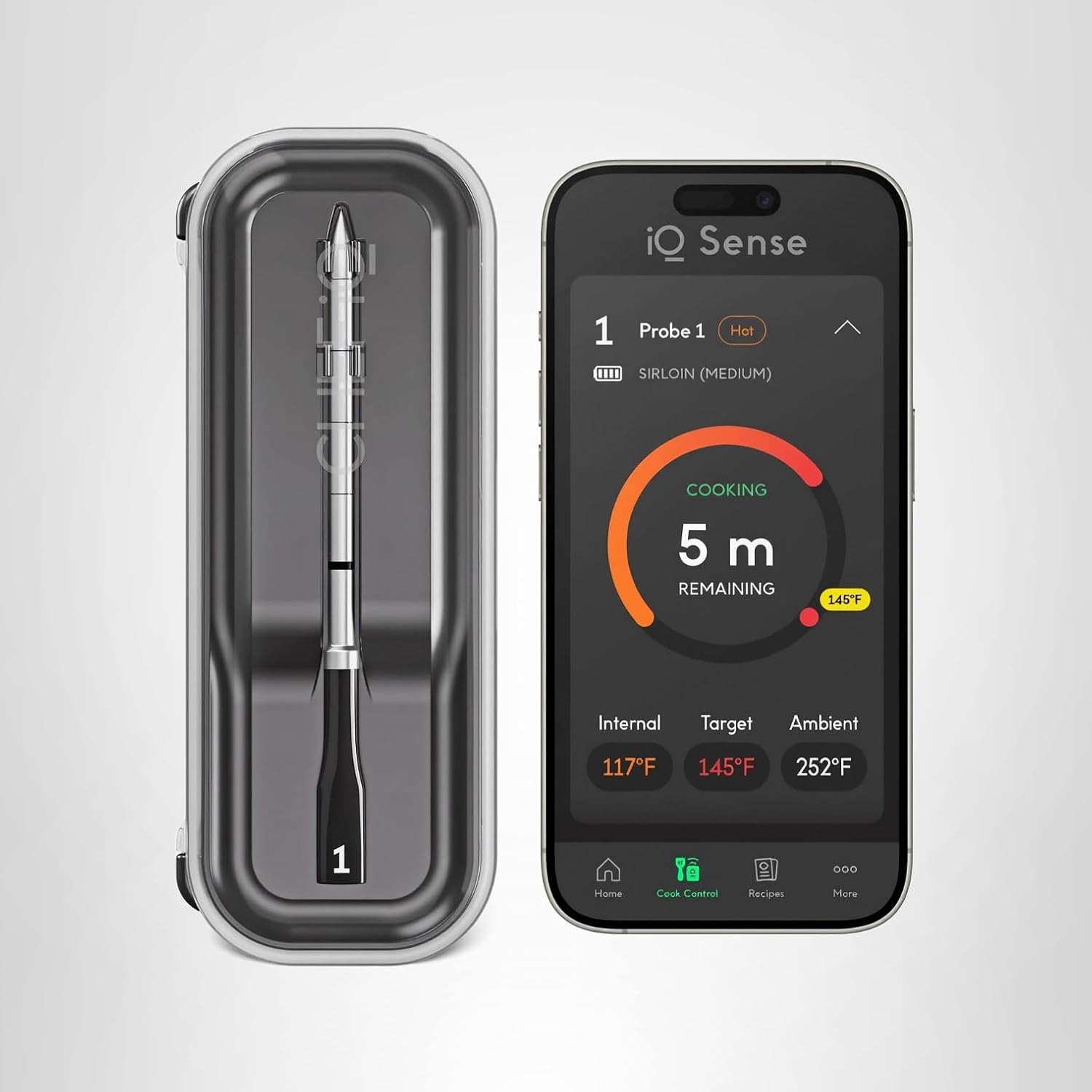 | Wi-Fi 6 + Bluetooth 5.2 | 5 sensors | 752°F ✓ | AI timers, recipes, voice alerts ✓ | Moderate setup | Power users & BBQ enthusiasts |  | |
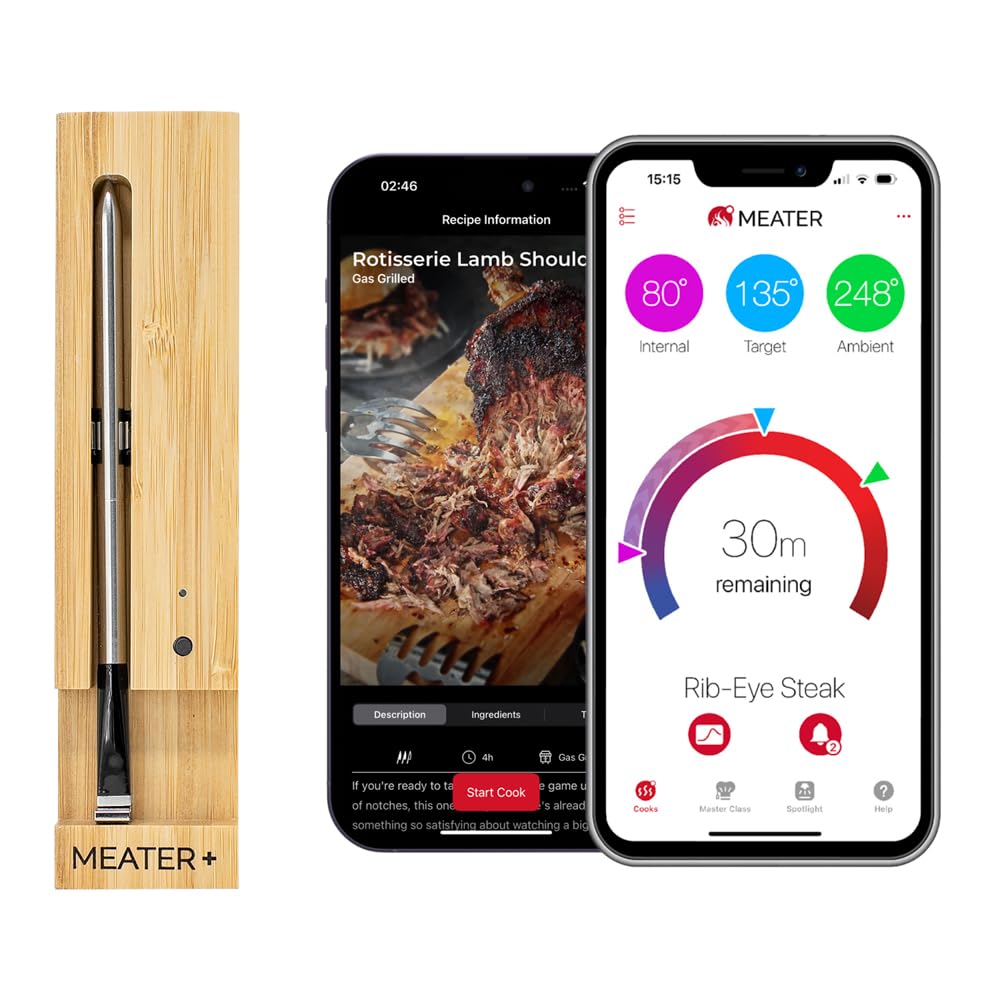 | Bluetooth 5.0 | 2 sensors | 527°F | Predictive cook/rest timers | Easiest ✓ | Everyday grillers | | |
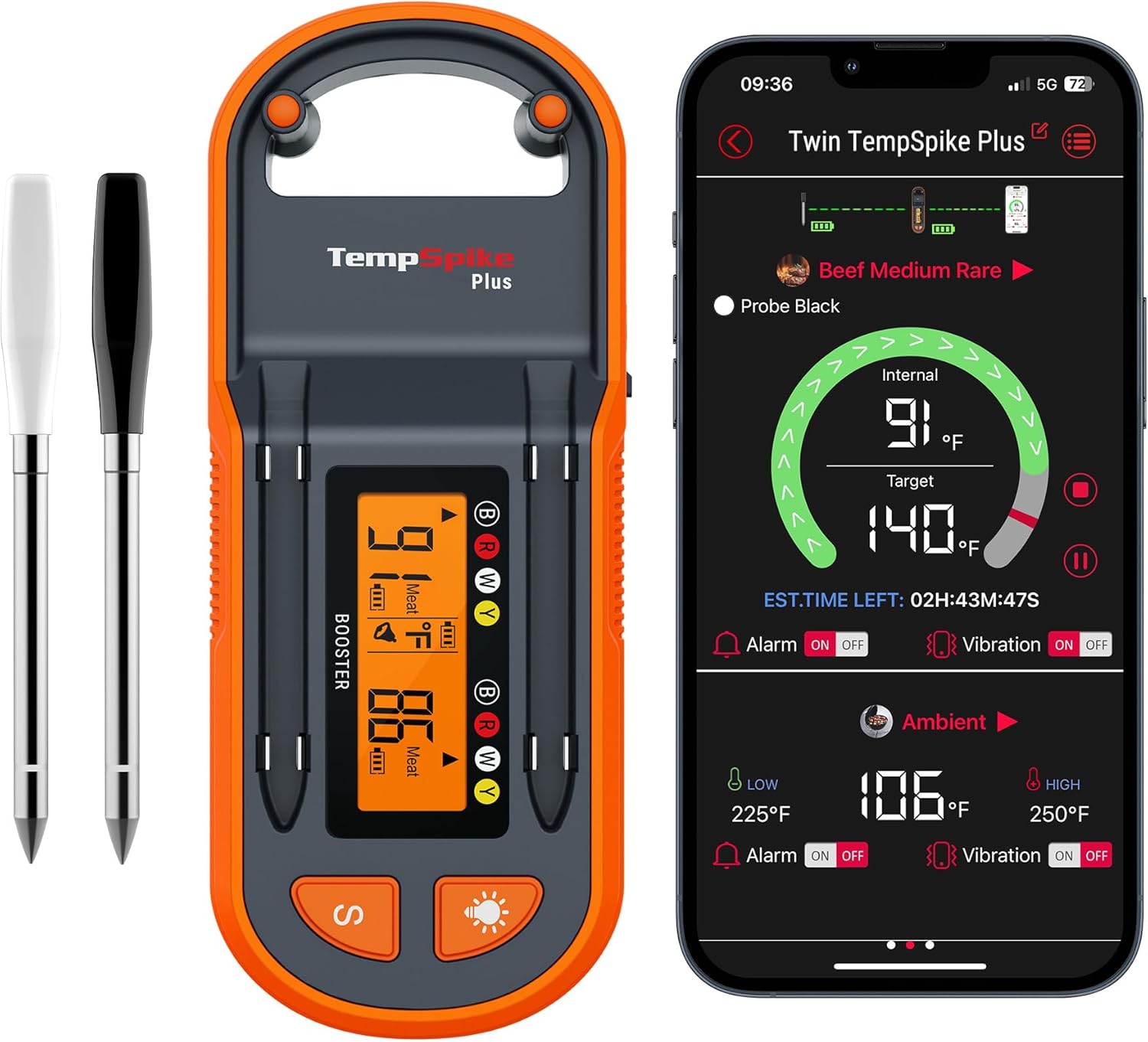 | Bluetooth 5.2 + booster | 2 sensors | 572°F | Graphs + alerts | Very easy ✓ | Budget users | | |
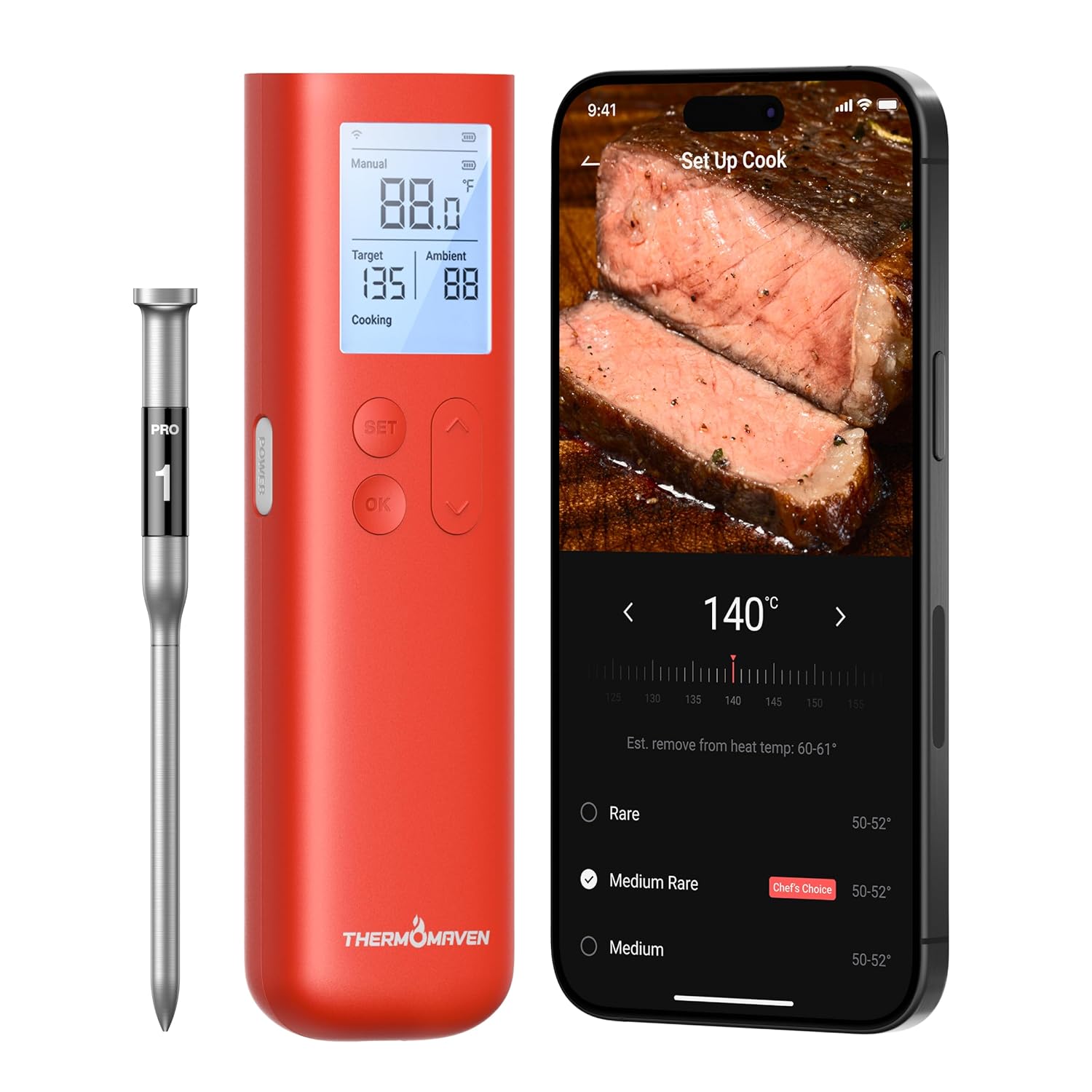 | Wi-Fi + Bluetooth | Multi-probe support | >700°F ✓ | Cloud data, smart home integration ✓ | Advanced | Pitmasters & pros | | |
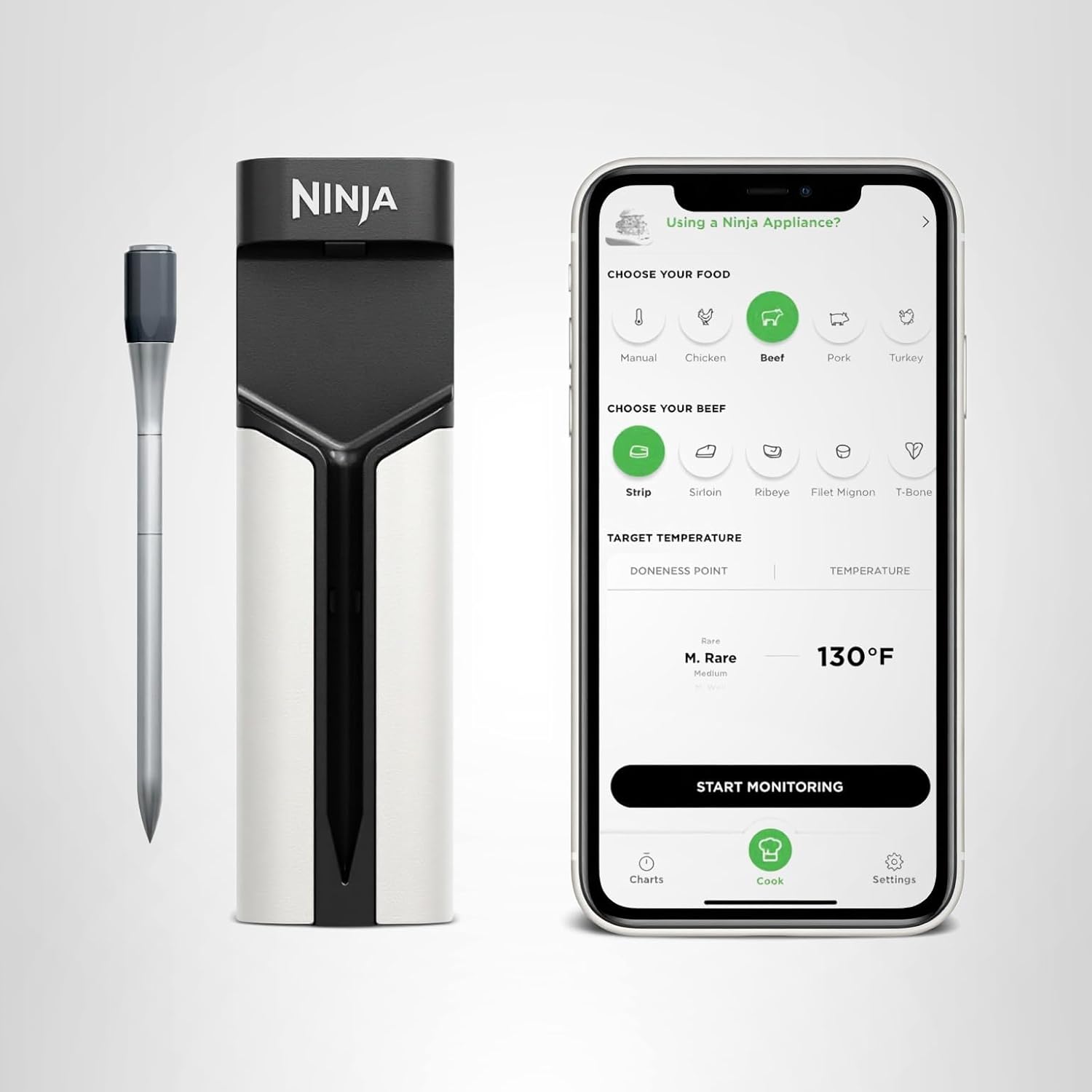 | Bluetooth + app | Dual sensors | 700°F | Auto sync with Ninja cookers ✓ | Simple ✓ | Kitchen users & families | |
Step 1: Know Your Thermometer Type
Not all wireless thermometers work the same way. Before you start, figure out which type you have:
- Bluetooth models (e.g., ThermoPro TempSpike, MEATER Plus) — connect directly to your phone, ideal for small setups or short-distance monitoring.
- Wi-Fi models (e.g., Chef iQ Sense Gen 3, FireBoard Pulse) — use your home Wi-Fi for unlimited range, perfect for all-day smokes.
👉 Pro tip: If your smoker’s made of thick steel or ceramic, Wi-Fi models perform better through walls and lids.
Step 2: Insert the Probe in the Right Spot
Placement is everything. A small mistake here can throw your reading off by 10–20°F.
Here’s how to do it right:
- Find the thickest part of your meat. For brisket, that’s the center of the flat; for ribs, pick the middle bone area; for pork shoulder, aim for the center of the muscle.
- Avoid bone and fat pockets. They conduct heat differently and skew readings.
- Insert horizontally rather than straight down—this helps keep the tip centered in the meat.
- Push the probe in until the sensor (about halfway down) reaches the center.
Example:
When testing the Chef iQ Sense Gen 3, we found the best accuracy came from inserting the probe about halfway into the brisket flat, not too deep into the point. The 5-sensor design handled both internal and ambient temps perfectly.
Step 3: Use an Ambient Probe (or Built-in Sensor)
To control your smoker temperature, you’ll also want to track ambient heat—the air temp inside the chamber.
If your thermometer includes a dual sensor probe (like the ThermoPro TempSpike or MEATER Plus), one end automatically measures the smoker’s internal air temperature.
Otherwise, use a dedicated ambient probe and clip it:
- Near the meat, but not touching it.
- Away from the smoker walls or grates.
- Around the middle height of your cooking chamber for a more accurate average.
Why it matters: Smokers have hot spots, and air temperature can vary by 30°F from one side to another. Knowing the ambient temp keeps your cook consistent and helps you adjust vents or fuel without guessing.
Product | Connectivity | Sensors | Max Heat | Smart Features | Ease of Use | Best For | Price | |
|---|---|---|---|---|---|---|---|---|
| Wi-Fi 6 + Bluetooth 5.2 | 5 sensors | 752°F ✓ | AI timers, recipes, voice alerts ✓ | Moderate setup | Power users & BBQ enthusiasts | | |
| Bluetooth 5.0 | 2 sensors | 527°F | Predictive cook/rest timers | Easiest ✓ | Everyday grillers | | |
| Bluetooth 5.2 + booster | 2 sensors | 572°F | Graphs + alerts | Very easy ✓ | Budget users | | |
| Wi-Fi + Bluetooth | Multi-probe support | >700°F ✓ | Cloud data, smart home integration ✓ | Advanced | Pitmasters & pros | | |
| Bluetooth + app | Dual sensors | 700°F | Auto sync with Ninja cookers ✓ | Simple ✓ | Kitchen users & families | |
Step 4: Close the Lid and Keep It Closed
Here’s the golden rule: If you’re looking, you’re not cooking.
Wireless thermometers are designed so you don’t have to open the lid. Every time you peek, you lose up to 15 minutes of cooking time as the chamber cools.
Instead:
- Trust your app or base station alerts.
- Keep your phone or hub within range (especially if using Bluetooth).
- For long cooks, ensure your Wi-Fi or repeater base is clear of metal and within line-of-sight of your smoker.
In our range test with the ThermoPro TempSpike, closing the lid reduced signal strength by about 40%. Keeping the repeater base on a wooden side table rather than the metal shelf doubled the connection stability.
Step 5: Set Smart Alarms Before You Walk Away
Modern wireless thermometers let you set target temperature alerts for both meat and ambient temps. These alarms are your secret weapon against overcooking or cooling.
Here’s how to set them:
- Internal alarm: 195°F for brisket, 203°F for pulled pork, 165°F for poultry.
- Ambient alarm: 225°F–250°F is the sweet spot for most slow smokes.
- Low-temp alarm: Set it 15°F below your target in case your fire dips early.
Models like the Chef iQ Sense Gen 3 and FireBoard Pulse let you set multi-phase alerts, so the app notifies you at wrapping time or resting time automatically.
Step 6: Wrap at the Right Time
When your internal temp hits 150°F–165°F, the stall begins—moisture evaporates and slows the cook. This is when many smokers wrap the meat in foil or butcher paper.
How to do it right with your thermometer:
- Pause your cook and unwrap the probe carefully.
- Wrap your meat tightly while keeping the probe inserted through the same hole.
- Seal the wrap snugly around the wire or probe stem to avoid leaks.
- Resume cooking until your target temp is reached.
Wireless probes (like MEATER Plus or Chef iQ Sense) make this step easy since no wires exit the smoker—they stay sealed inside the wrap.
Step 7: Rest and Verify
Once your thermometer beeps at the final temp, resist the urge to slice right away. Pull your meat and let it rest 30–60 minutes, covered loosely in foil.
As it rests, carryover cooking will raise internal temperature another 5–10°F—something advanced thermometers like the Chef iQ Sense and FireBoard Pulse automatically predict in their apps.
When your temp drops back down to 145°F–150°F, it’s ready to slice.
FAQs – How to Use a Wireless Meat Thermometer in a Smoker
Should I close the smoker lid when using a wireless thermometer?
Yes—always close it. Wireless probes are designed to stay inside the meat while transmitting data through the lid.
Where should I place the thermometer probe in a smoker?
Insert it into the thickest part of the meat, away from bone and fat. Use a second probe or sensor to track the smoker’s internal temperature.
Do wireless thermometers work in metal smokers?
Yes, but range can drop. Place the hub or repeater base outside the smoker on a wooden surface.
Can I leave the thermometer probe in all day?
Yes—these probes are built to handle long smokes and high temperatures (up to 700°F+).
How do I know when to wrap the meat?
Use your thermometer’s app alerts—wrap at 150°F–165°F internal temperature to beat the stall.
Other Interesting Articles
- Best Wireless Meat Thermometer: Top Picks for Every Cook and Budget
- Chef iQ Sense Gen 2 vs Gen 3: What’s Actually New (and Worth Upgrading For)?
- Chef iQ Sense vs ThermoPro TempSpike: Which Smart Thermometer Gets It Right Every Time?
- Chef iQ Sense vs MEATER Pro: Which Smart Thermometer Cooks Perfect Meals?
- Chef iQ Sense vs MEATER Plus: Which Smart Meat Thermometer Truly Delivers?
About the Author
Written by HappyFoodGeek — where real cooks test smart gadgets in real kitchens (and backyards). From air fryers to smart thermometers, we help you cook better with less guesswork.
Final Thought:
Your smoker should work for you, not against you. By understanding probe placement, ambient tracking, and smart alarms, your wireless thermometer becomes your most powerful smoking tool. Follow these steps once—and you’ll never ruin another cook again.